Visual AI Agent Orchestration: Unifying Agents, DAG Workflows, and Automations
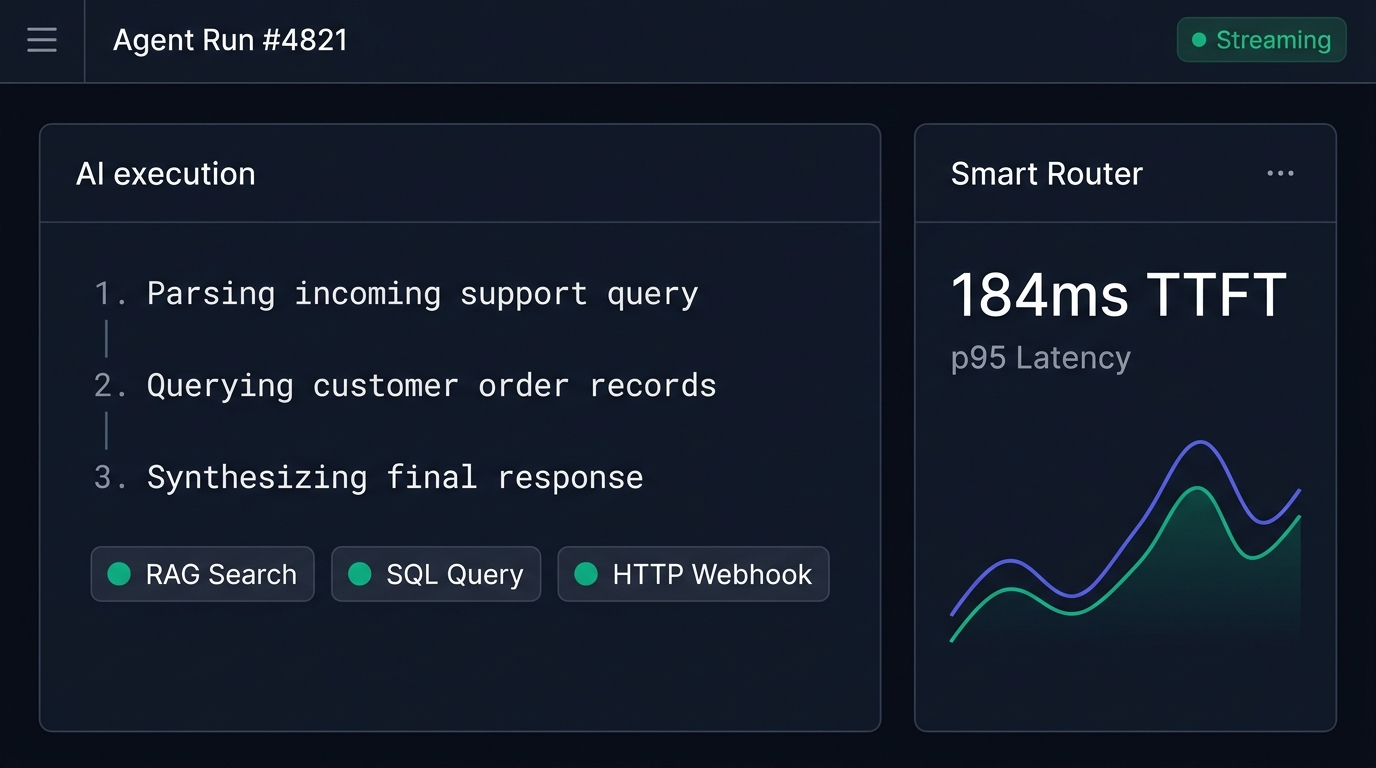
Discover how AstrexFlow unifies conversational AI Agents, deterministic multi-step Workflows, and event-driven Channel Automations on a single visual canvas.
Why Modern Teams Outgrow Single-Prompt Wrappers
Production AI systems rarely succeed as a single LLM prompt. Real-world automation requires deterministic routing, retrieval-augmented generation (RAG), human-in-the-loop approvals, and live webhook triggers.
On AstrexFlow, three canonical product kinds share one high-speed React Flow canvas:
- Conversational Agents (
AGENT): Stateful multi-turn assistants with memory, tool calling, and embeddable web widgets. - Multi-Step Workflows (
WORKFLOW): Deterministic Directed Acyclic Graphs (DAGs) that process documents, run sandboxed code, and synthesize structured outputs. - Channel Automations (
AUTOMATION): Event-driven pipelines triggered by Telegram bots, Meta Messenger webhooks, or cron schedules.
Inside the Wave-Based DAG Execution Engine
Unlike sequential task runners that block on every step, AstrexFlow executes ready nodes in parallel waves:
- Zero-Latency In-Memory Hops: Output variables (
{{node.output}}) pass directly across downstream edges. - Real-Time SSE Streaming: Token chunks and node status transitions stream to the canvas over unbuffered
TCP_NODELAYconnections. - Step-Level Retesting: Inspect any node's input/output payload and re-run individual steps without restarting the entire pipeline.
Portable Developer Blueprints (astrexflow.blueprint.v1)
Developers and workspace owners can export any Agent, Workflow, or Automation as a sanitized JSON blueprint—automatically stripping workspace credentials so teams can version-control or share architectures in one click.
Frequently Asked Questions
What is the difference between an Agent, a Workflow, and an Automation?
Agents handle interactive multi-turn chat sessions, Workflows execute on-demand multi-step DAG pipelines, and Automations run autonomously in the background when triggered by webhooks or schedules.
Can I export and share my workflow graph as JSON?
Yes. Workspace Owners and Developers can export sanitized JSON blueprints directly from the workflow canvas header and import them when creating a new Agent, Workflow, or Automation.
Community Discussion (0)
Open to everyone — share your architecture questions, feedback, or takeaways